
















Equipment database guide
How to compare equipment, options, and sets
Use the equipment catalog to compare the five wearable parts, quality variants, option pools, enhancement rows, and set thresholds without confusing a possible roll with an owned stat.
Choose the slot before comparing quality
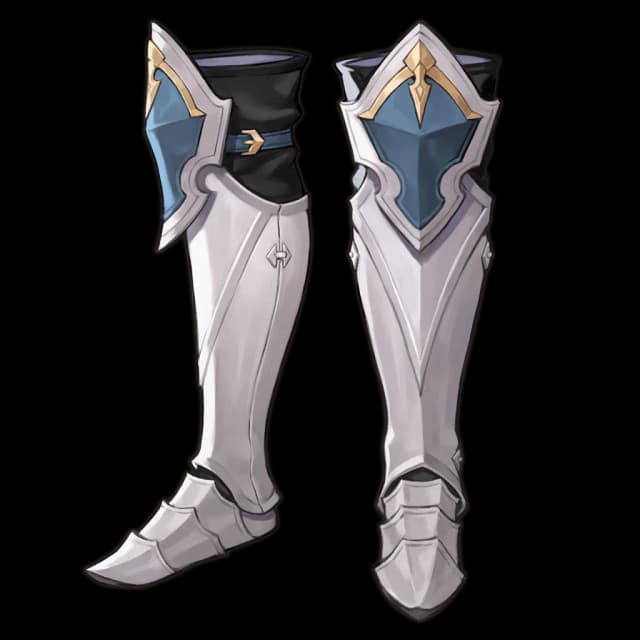
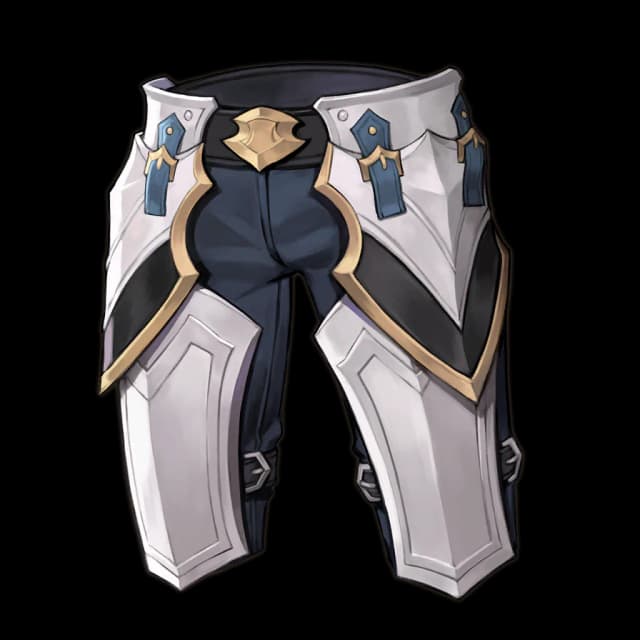
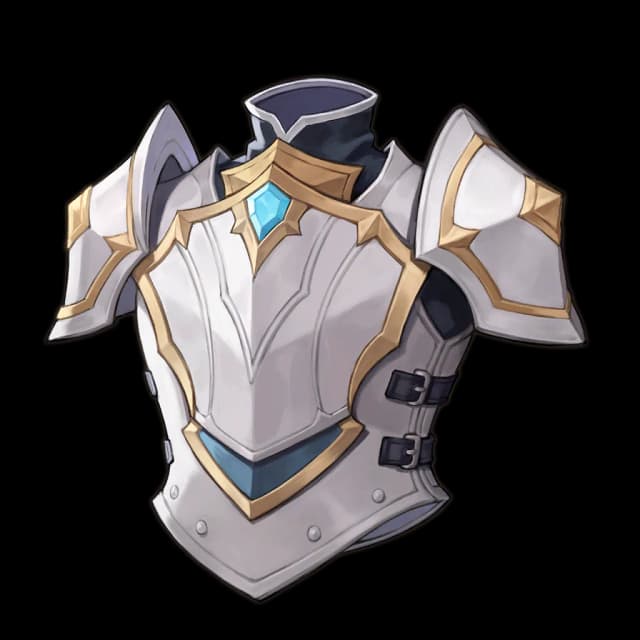
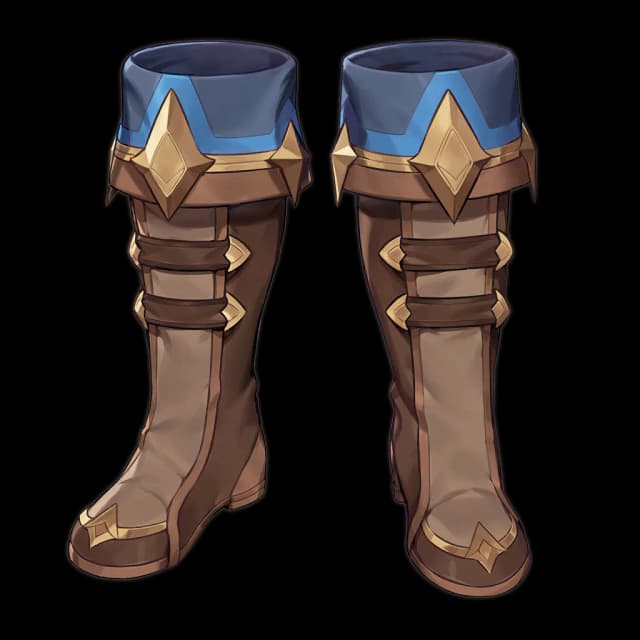
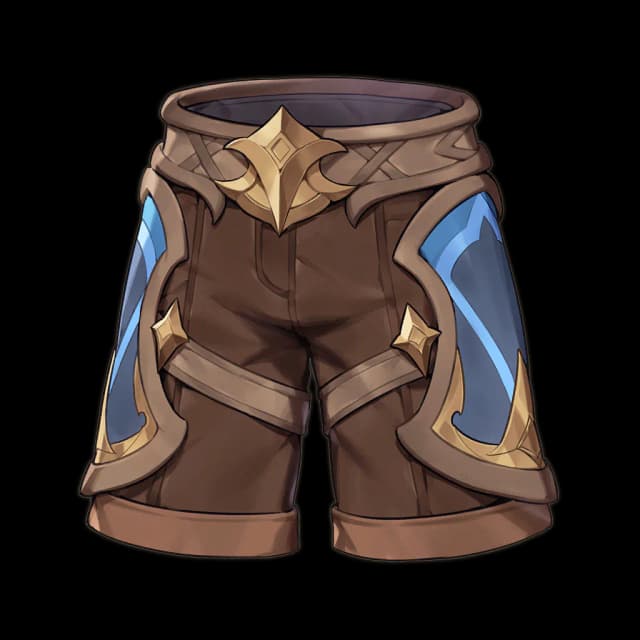
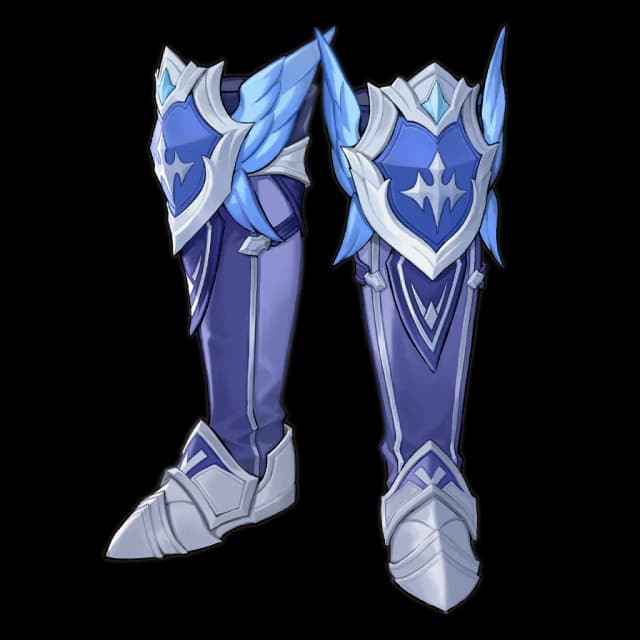
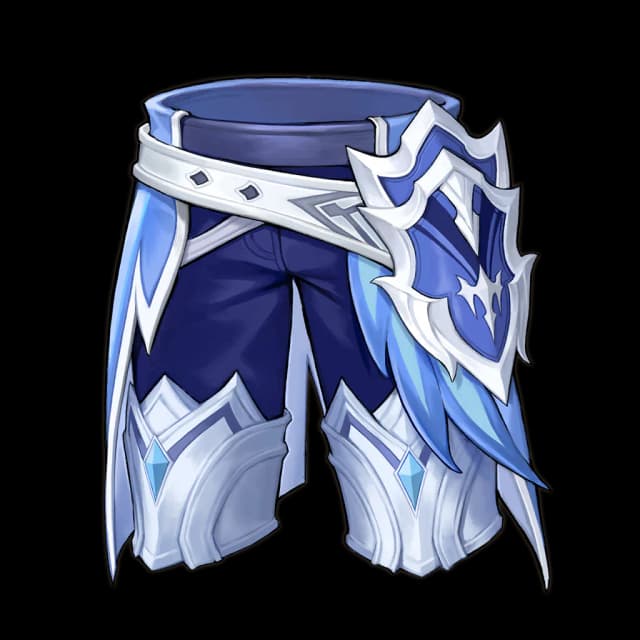
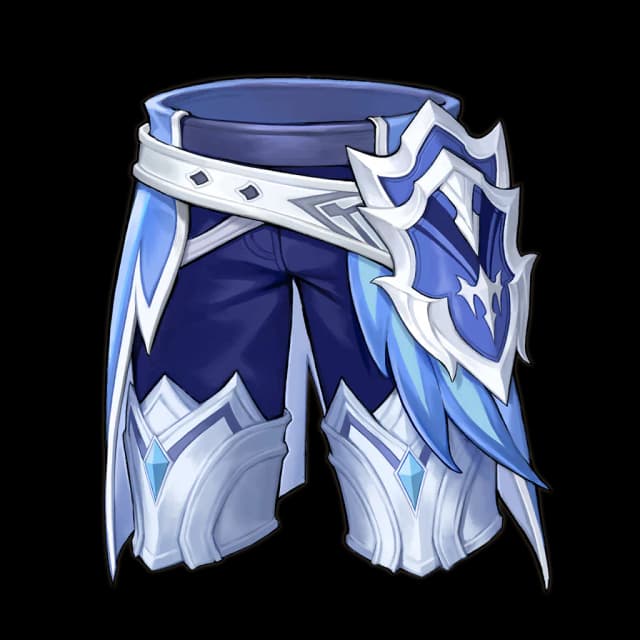
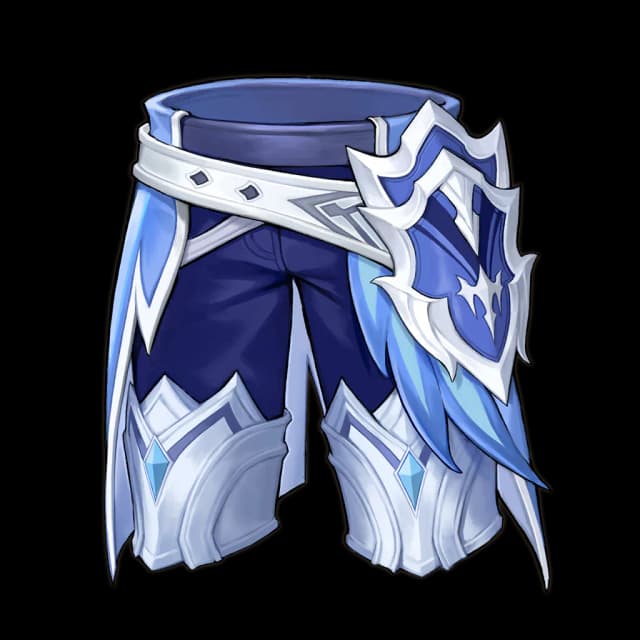
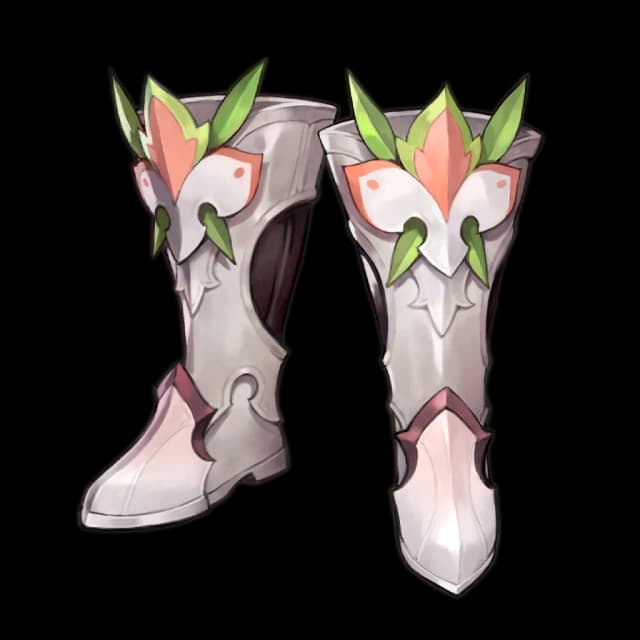
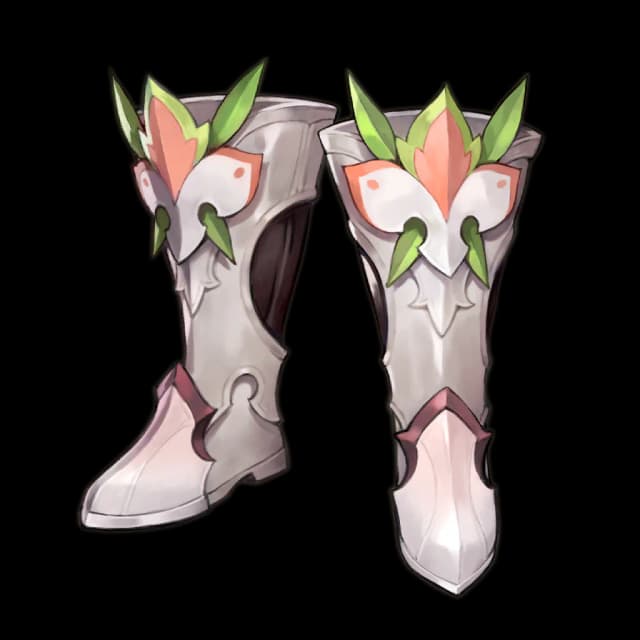
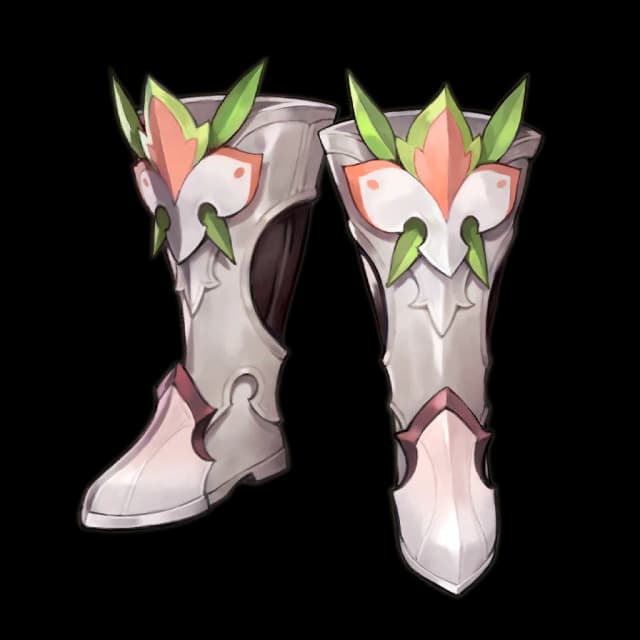
The dedicated equipment record answers a different question from the corresponding item record: what can a hero wear, and what can that piece become? Begin with Head, Chest, Leg, Hand, or Foot, then choose a quality. Comparing the same slot avoids treating two records with different jobs as direct upgrades. The current database contains 240 equipment records across the five parts and published quality variants. Use search when you know a set or item name; use the category and quality rows when you are exploring. If a combination has no result, remove the less important condition instead of assuming the equipment is absent from the current version.
Separate fixed structure from random candidates
An equipment detail page distinguishes the record’s fixed identity from its possible main and secondary options. A candidate pool is not a list of stats that appear together on every drop. Read the option name, value, weight, and displayed probability as one row, and keep main options separate from secondary options. When comparing two quality variants, check the same option and enhancement stage. A larger candidate list may provide flexibility but can also make a desired result less direct; it is not automatically better or worse. The database publishes the official pools and their weights, but it does not claim which combination a future drop or reroll will produce for an individual account.
Count set thresholds across all five pieces
Set names matter only when the selected loadout reaches a published activation threshold. Inspect the two-piece, three-piece, or higher requirement and read conditional effects literally. A set label on one item does not mean the full effect is active. When mixing sets, count every equipped piece and decide which threshold the build is trying to preserve. Then compare the value of the remaining slots instead of forcing a fifth matching piece without a reason. Enhancement rows are another separate layer: they show the published progression and cost for that exact record, not a guarantee about random options. Keeping slot, set, options, and enhancement as four different checks prevents an attractive label from replacing the actual build decision.
Test compatibility in the build planner
The equipment database explains each record, while the build planner answers whether the complete configuration is legal for a selected hero. Start with the hero so ability restrictions can be checked, fill the five slots, select the intended main option and enhancement target, and then review set progress. Add a Rune only after checking its official stat and roll, and add Karma and Familiar as separate choices. The planner keeps possible options explicit rather than pretending they already exist on the chosen piece. It also saves each hero’s build in the browser, so returning to the equipment catalog and opening another detail page does not destroy the configuration being compared.
Keep equipment and material questions separate
Use the equipment catalog for combat options, sets, enhancement, and hero restrictions. The item catalog also includes the same equipment identities, but its item view focuses on category, quality, sources, and crafting relationships alongside every other item type. The database cannot predict drop rates, live availability, reroll outcomes, final damage, or the best set for every encounter. Before spending limited Gold or materials, verify the exact quality and slot, confirm that the hero can use it, compare equal enhancement targets, and check live combat conditions in game. Treat missing data as unknown, not as zero or proof that a mechanic does not exist.