
DragonSword: Awakening Best Characters & Tier List
See the complete 19-character list and a verified Tag-chain versatility tier list, then compare every hero's skills, roles, statuses, builds, and teams.
Current Orbis version
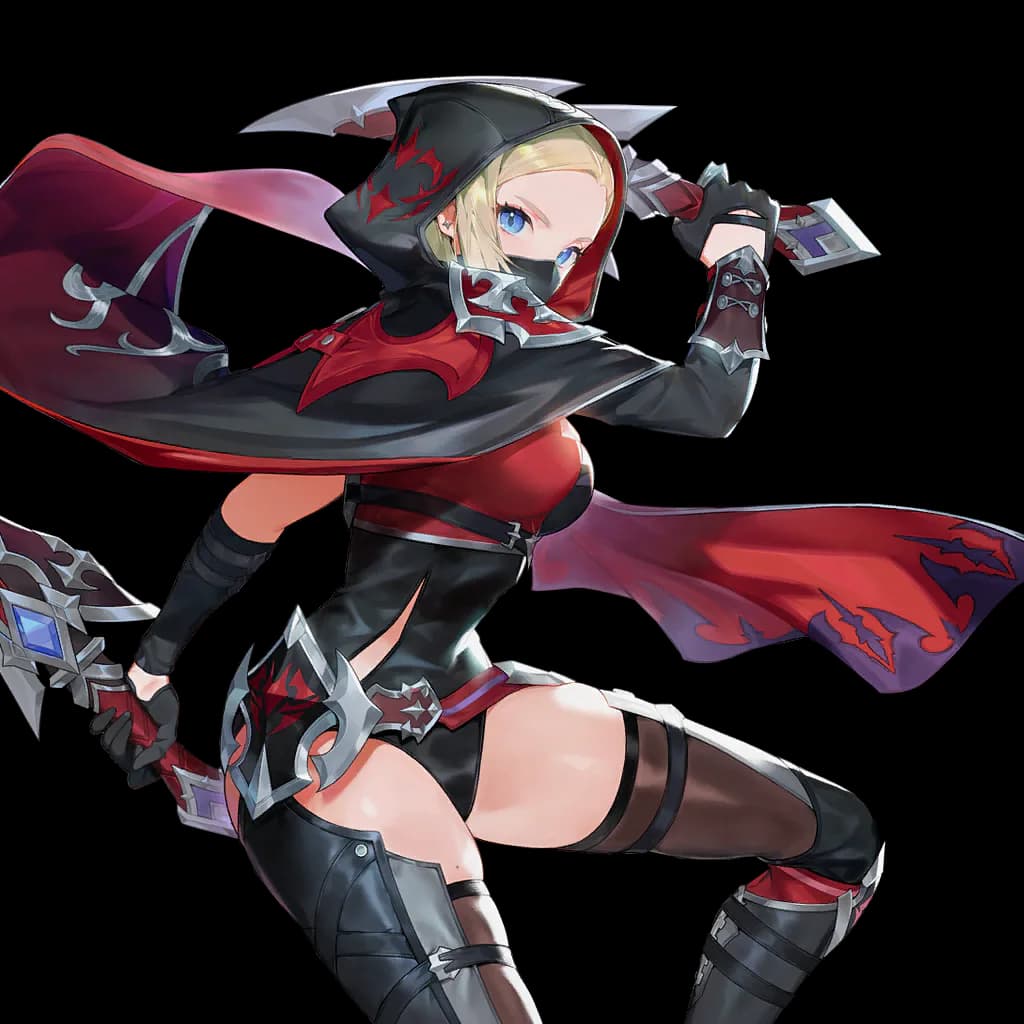
DragonSword: Awakening character tier list
These tiers group heroes by distinct verified Tag-chain partners: S has 11 or more, A has 8–10, B has 6–7, and C has 0–5. Incoming and outgoing skill directions both count. This is a connectivity ranking, not a universal damage tier list.
S3 Heroes



A4 Heroes




B10 Heroes










C2 Heroes


Character selection: The decision to make first
Start with the question you need to answer, not with a copied endgame build. The useful route is the one that matches your unlocked roster, current inventory, and next playable objective. The current character list contains 19 playable heroes. This guide tiers only verified Tag-chain versatility—the number of distinct heroes connected by published skill effects and activation conditions—not damage, survivability, or account value. Heroes.
Players usually open the team builder to answer a rotation question: can one hero apply the status that the next hero needs, and can the middle hero continue that chain into the finisher? Start with the opener, connector, and finisher rather than three individually strong portraits. Barraging Spear, Shadow Grab, and Swordgrab illustrate why order matters: Airborne must be applied before it can activate the next skill, and Knockdown must exist before the final response. The useful output is a documented route, not a generic tier list.
Character selection: A reliable workflow
Select one slot at a time and read both edges around the connector. Each valid edge names the applying skill, the matched status, the consuming or activating skill, and its first unlock requirement. If the first edge works but the second breaks, keep the opener and connector fixed while checking finishers; use the reverse approach when only the opening edge is missing. Substitute suggestions are valuable because they preserve the two choices you already want to play instead of rebuilding the entire party after one failed match. Team Builder.
Results are ranked against localized names, descriptions, roles, effects, sources, locations, missions, categories, and useful keywords. Arrow keys move the active result, Enter opens it, and Escape clears the current query. Each result keeps up to a few verified connections visible, such as an exclusive Karma, recommended hero, item source, map position, or system route. These links let the player continue the same question without retyping it. A map query loads the published map index only when needed, so other searches remain responsive.
Character selection: How to read the evidence
Treat names, requirements, relationships, counts, and displayed values as evidence. Treat live timing, random outcomes, account-specific availability, and unlisted triggers as checks that still belong in the game. A status requirement is never counted as a status output. Stack count, Transcendence, Master Skill, exclusive Karma, self-state, resource, and linked-summon requirements remain attached to the exact action variant that uses them. This prevents conditions from one variant being combined with the output of another.
A result’s category label explains what kind of page will open; the summary supplies context but does not replace the detail page. Multiple map locations are grouped with a count rather than duplicated as indistinguishable cards. The index uses public localized names and player-facing relationships. Unavailable areas do not appear, Belos material is kept separate from Orbis content, and unresolved rewards remain identified on the relevant system page. Heroes.
Character selection: Trade-offs before you invest
Compare one constraint at a time. Keeping the same target while changing only the route, hero, slot, or milestone makes the cost of that decision visible and prevents several assumptions from being mixed together. A continuous status route helps plan who starts the exchange and who follows, but it does not rank total damage. Before investing in a new connector, check whether both relevant skills are unlocked, whether the order fits the encounter, and whether another hero can preserve the same status transition with fewer requirements. A route that is valid on paper can still be awkward when energy, cooldowns, animation time, enemy resistance, positioning, or survival interrupts it. Use the builder to narrow candidates, then test execution in the intended fight.
When no result appears, shorten the query to the official name, clear only the current scope, and remove descriptive words one at a time. Search by the effect when an item name is forgotten, by the source when the target item is unknown, or by the location when several entities share a name. Do not treat the first high-ranked card as a recommendation; ranking measures text relevance, not combat power, farming efficiency, rarity, or account suitability. Open the detail record before making a resource decision. Hero Upgrade Materials.
Character selection: Your next in-game check
If a route fails, inspect the broken edge and its stack or progression requirement, then try a substitute for only that slot. Open the relevant hero skill to see all of its applied states and trigger conditions. A connected route still does not prove damage, cooldown, energy, resistance, or encounter timing. Team Builder.
Use global search as a router, then complete the decision in the specialized workspace. Move from a material result to its sources or planner, from a boss to exact phases and rewards, from a quest to its prerequisites, or from a map result to the selected location. If a localized query fails while the English official name works, keep the verified page and report the localization gap rather than inventing a synonym. Recheck results after a page update because available results and links can change with the published version. Finish by writing down one next action that can be verified: open a named page, test a rotation, visit a mapped point, confirm an unlock, or update the local plan after spending materials.